2-view object
Tip
With 2-view objects (2VO), the contours must be closed and drawn in different work planes.
Workshop
- Draw the contours as a separate models in different work planes.

- Select DEFINE 2-VIEWS OBJECTS.
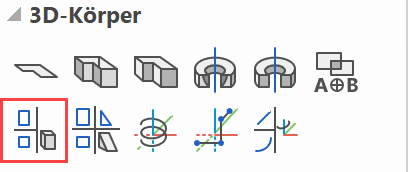
Please enter view 1 (ENTER = end)
Select the first contour.
Please enter view 2 (ENTER = end)
Select the second contour.

Tip
Modifications can be drawn directly into the corresponding polygon.


This is also displayed immediately in the 3D model.
