Cup
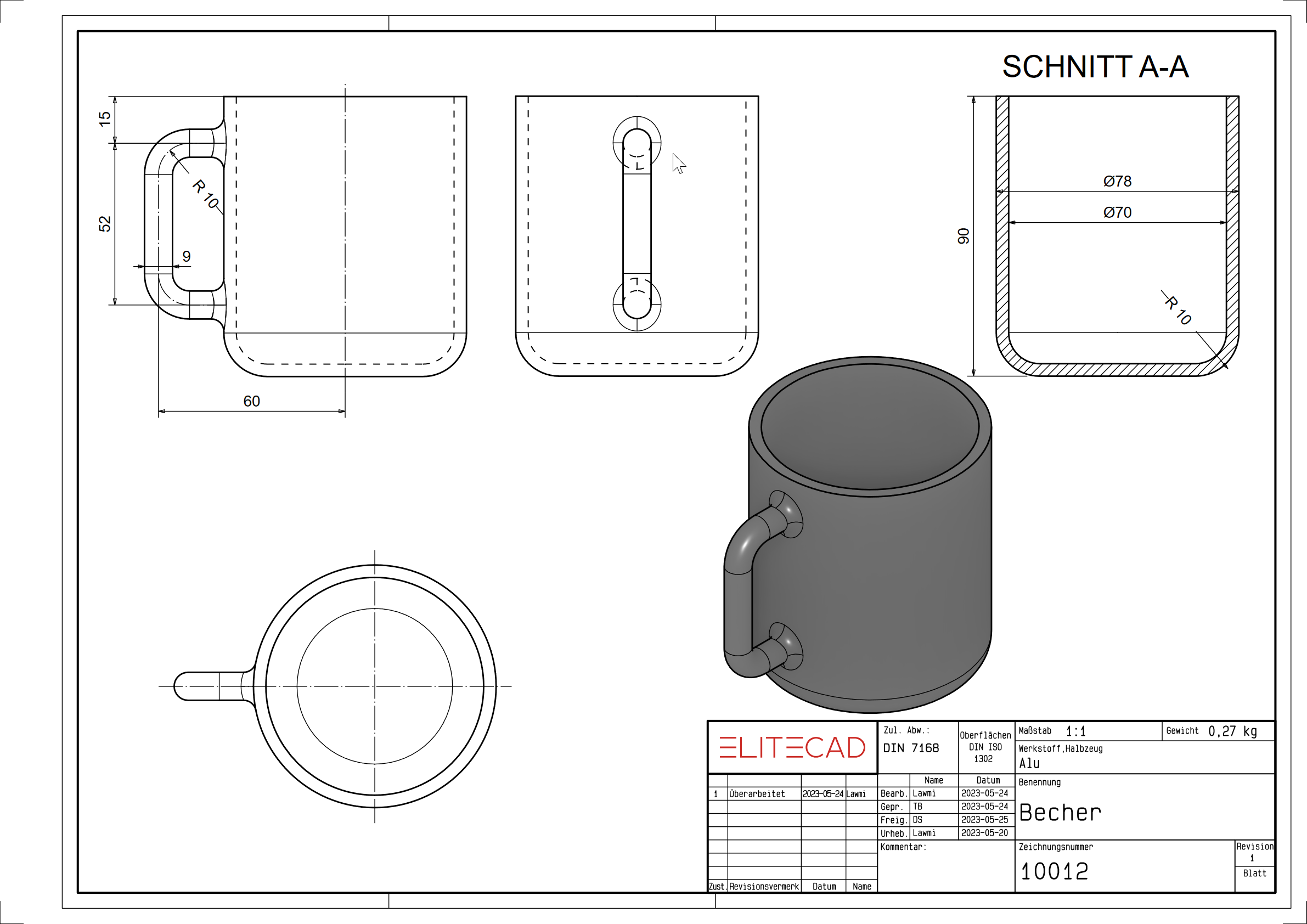
Workshop
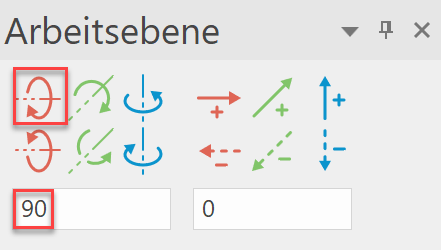
- Rotate the work plane about the X-axis with 90°.

- Draw half the contour of the cup and define it as a "rotation box".


- Draw a path for the handle. (as a new model)

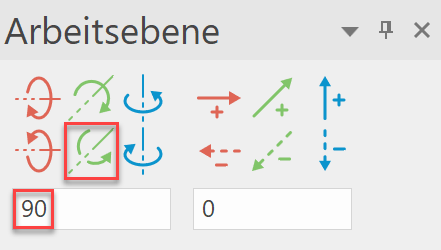
- Set the work plane at the beginning of the handle contour. Rotate the work plane by 90° in the Y-axis and select WORK PLANE ORIGIN.
- Draw the cross-section of the handle.

- Now define a transbox with a path and cross section.

- Perform the Boolean calculation UNION (A + B) and unit the handle with the cup.
- Round the handle with the surface of the cup. (Radius 4 mm)
