Flange

Workshop
- Start NEW MODEL (e.g.: "bk, flange, bend")

- Draw the outline of the top view and then define it as a box. (height 1 = 0; height 2 = 8.5)

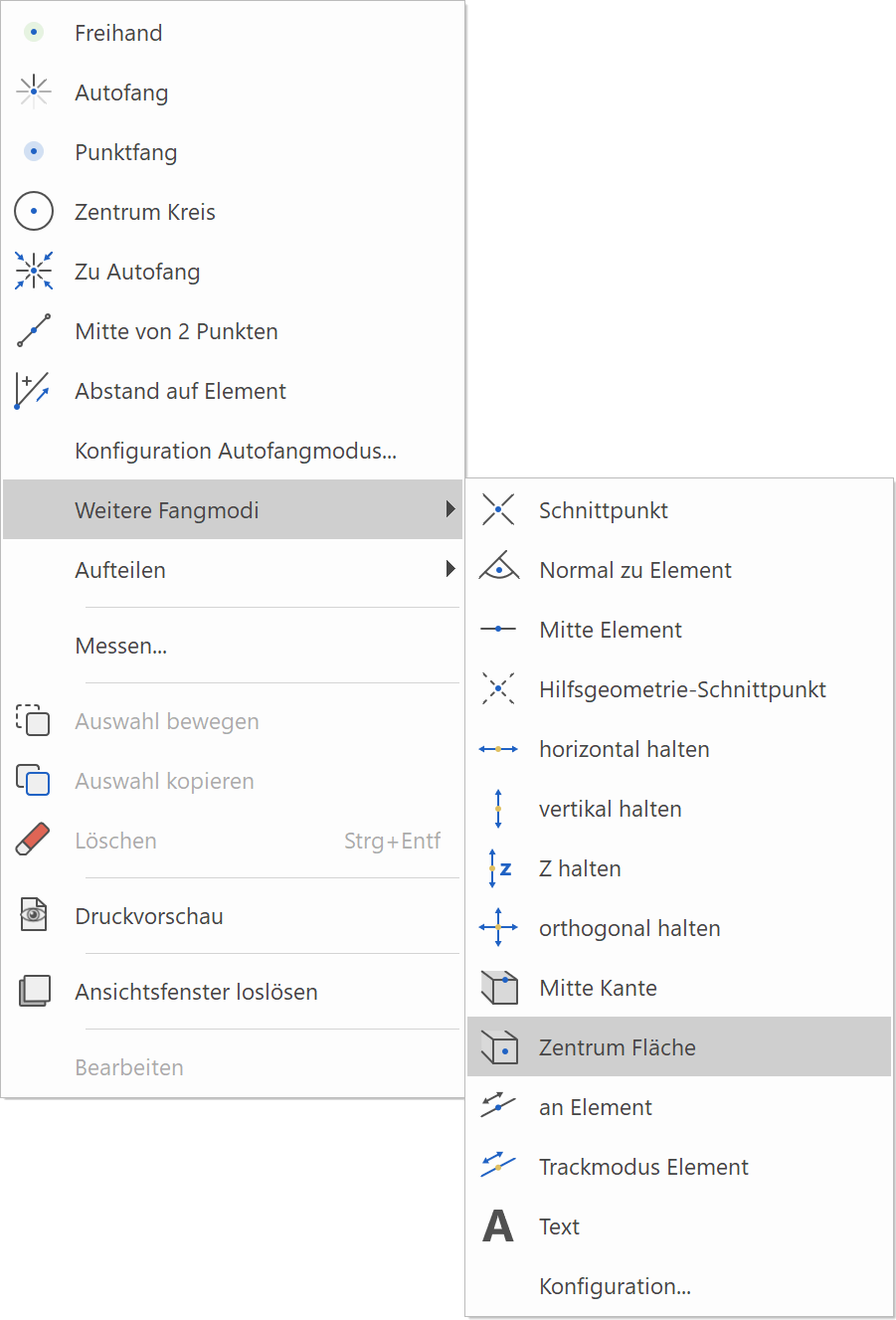
- Move the work plane up by 8.5 mm. Select WORK PLANE ORIGIN, then CENTRE SURFACE (RIGHT-CLICK > FURTHER SNAP MODES), now click on the upper surface of the top view contour.

- Start NEW MODEL (e.g.: "w1, flange"). Then draw the tool contour and define it as a box. (height 1 = 1; height 2 = -1.5)

- Perform the Boolean operation, select A minus B and subtract the tool contour from the flange.


- Select EDGE BLEND.

Please select definition
Click on the flange within the 3D object. (P1)
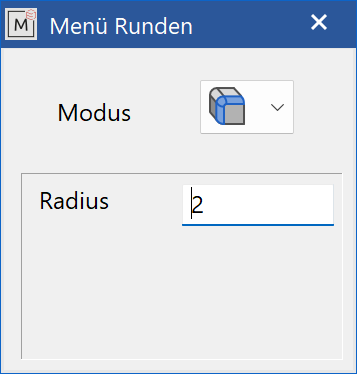
Choose a radius of 2 mm.

Please make selection [ENTER -> End]
Click on the desired edge (within the 3D object). (P2) and the selected edge is marked.
This selection? Y
Confirm (only if the desired edge has been marked). Otherwise you can go back with "N" (No).
If the desired edge has been selected and you do not want to select any further edges for rounding, confirm with Enter and the rounding is created.

- Save the drawing under "flange_k.d" for later use.