IFC
Overview of IFC
In IFCs (Industry Foundation Classes) framework, all construction parts existing within the construction are defined as objects and are identified as such in programs, which support this standard. Compared to the conventional exchange of simple 2D and 3D line drawings, the IFCs make "intelligent" data models for general programs available to the user.
The IFC-interface is continuously being further developed by the relevant associations.
Interpretation of architectural construction parts is only possible in ELITECAD Architecture. For all other products, the IFC file is only imported or exported geometrically. In this case, no settings for IFC import and export can be made.
IFC version
The import settings differ slightly depending on the IFC version. Please select the correct version for the import and also for the export from the table of contents to the right.
ELITECAD allows the export and import of IFC2x3 and IFC4. Both versions support the most important architectural construction parts.
A detailed list is outlined in the IFC user handbook: http://www.buildingsmart.de/.
Video Tip
You can see how to best import and export IFC files in this video from our ELITECAD@work series.
IFC version
ELITECAD Mechanics only offers the import of IFC4 files as an option but this automatically recognizes version and loads them accordingly as a geometrical import.
IFC import

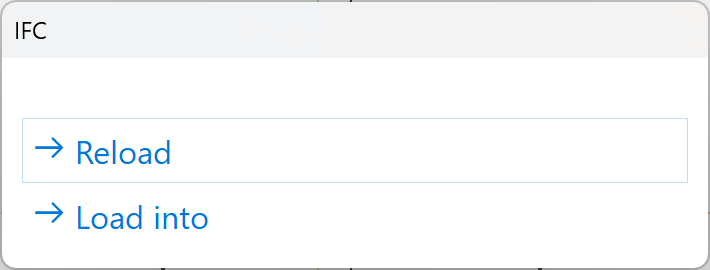
Upon selecting the IFC file to import, a dialog opens to query whether the data should be loaded as a new drawing (Reload) or if it should be incorporated into the currently open drawing (Load into). If "Reload" is selected and a drawing is already loaded, the standard action dialog asking whether you would like to save the progress on the current drawing before closing it to allow for the new one will appear.
IFC export

As with the import, the export is geometrical.
The version for the export is the version IFC4 by default but the versions IFC4x1 and IFC4x3 may also be selected from the Save as type: selection should a different format be needed. IFC2x3 export is no longer being supported.