Dimensions
To generate a dimension, first define two dimension points P1 and then fix the location P2 of the dimension. Next you can add further dimension points P3.

Workshop
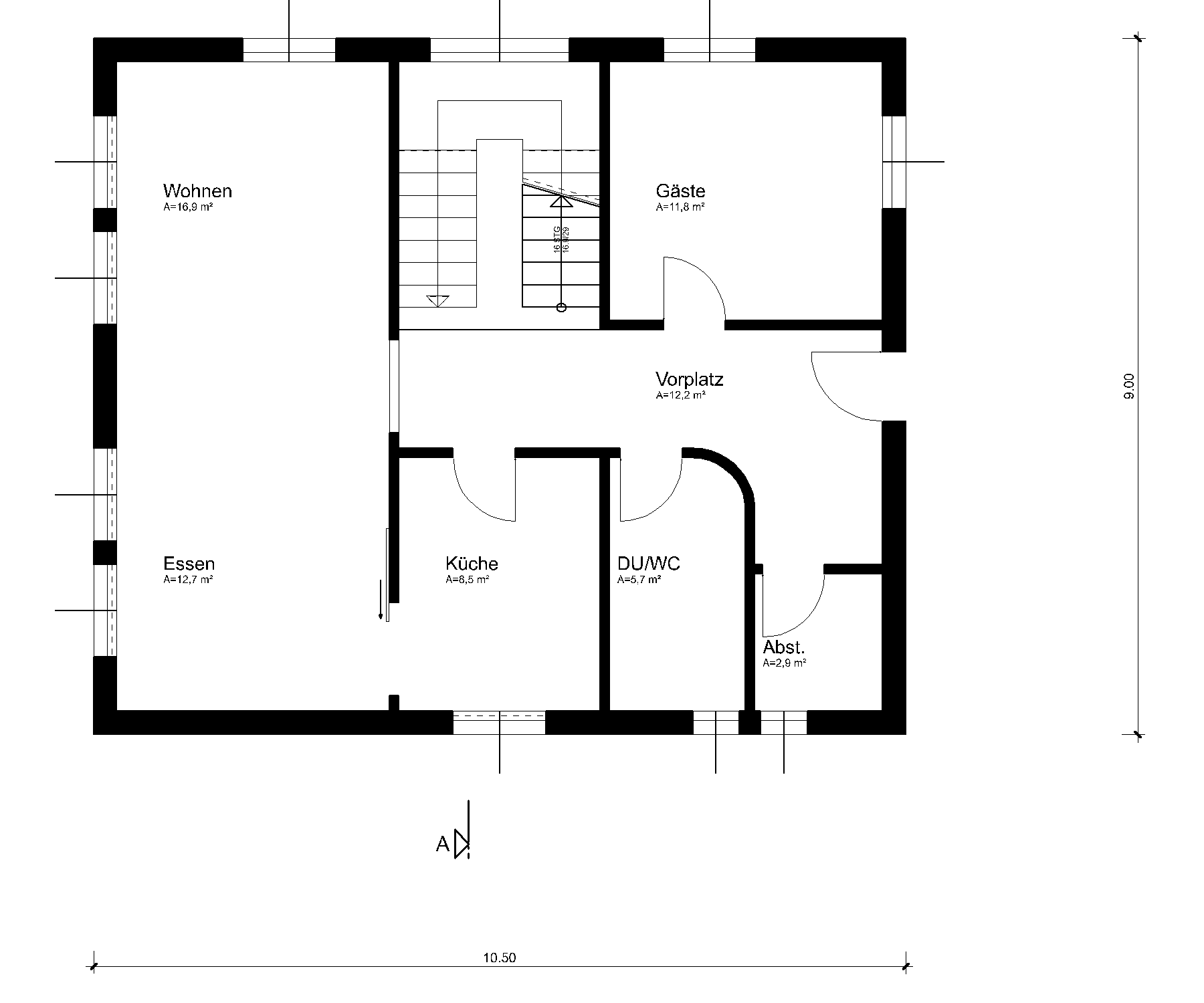
Generate the main dimension in the floor plan and in the section.

- Switch to the plan view GF.
- Select the function CHAIN DIMENSION.

Select the parameter group 1.

Tip
The parameter groups give you rapid access to the 3 most frequently used dimension parameters in the representation mode concerned. Parameters are assigned in the representation mode settings.
- Set the dimension points of the horizontal dimension.
Click on the corner at point P1 and then on the corner at point P2. Move the cursor vertically below point P2 so that the temporary help line appears and enter the direct distance 300 cm.
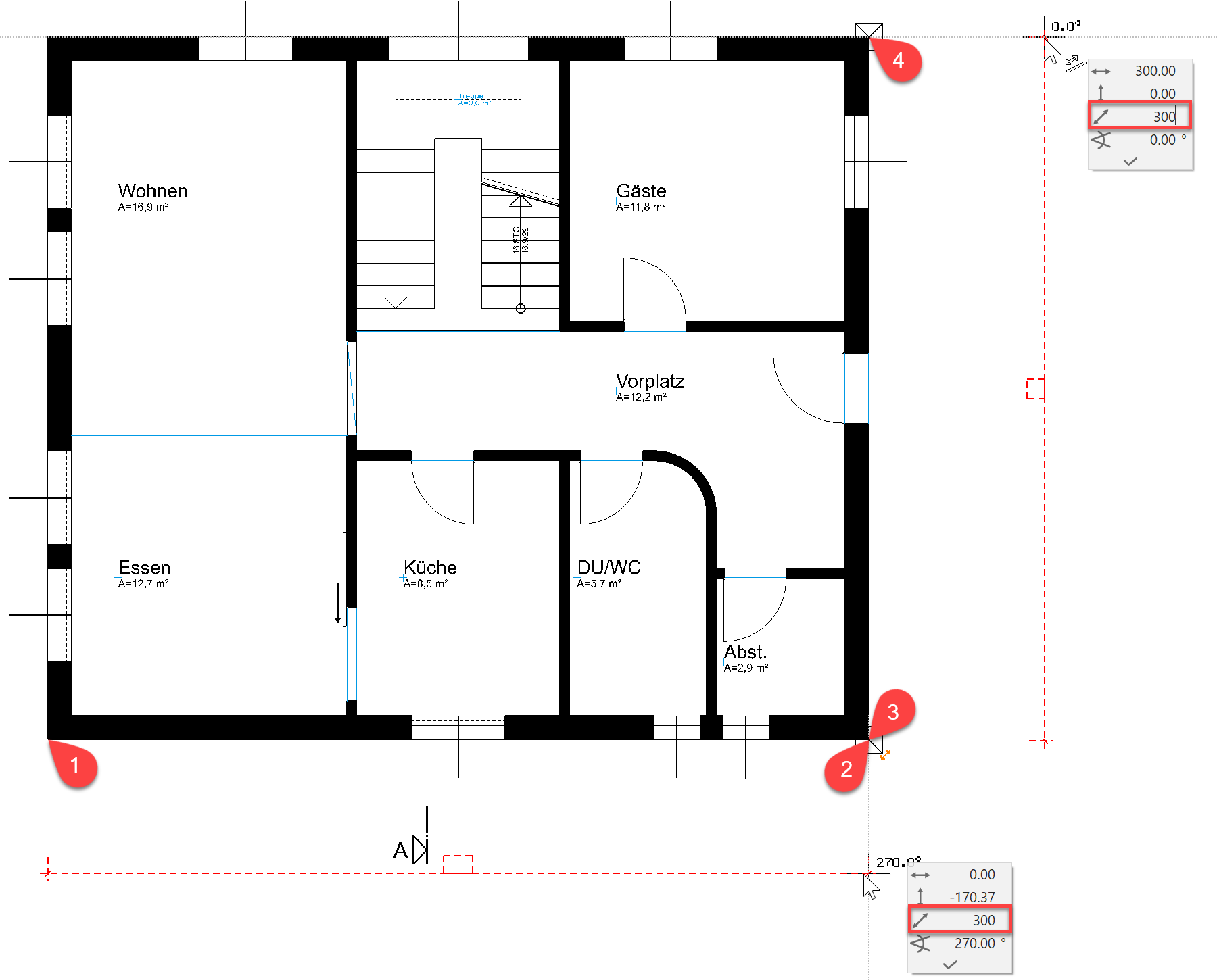
- Each additional click generates further dimension points for this chain dimension.
Select the function CHAIN DIMENSION again to finish the dimension chain and to start a new chain dimension.
- Set the dimension points of the vertical dimension. Click on the corner at point P3, then on the corner at point P4. Move the cursor to the right alongside point P4 so that a horizontal help line appears. Enter the direct distance 300 cm.
- Cancel the function with Esc.
- Switch to the section view A-A.
- Select the function CHAIN DIMENSION.
Select parameter group 2.

- Set the two dimension points P1 and P2 and then determine the location P3 of the dimension.


- Add the two dimension points P4 and P5 to the dimension.
- Cancel the function with Esc.
- Select the dimension just created with a click. The handles of the dimension lines and dimension texts appear. Move the dimension text using its handle.


Explanation
Dimension parameter


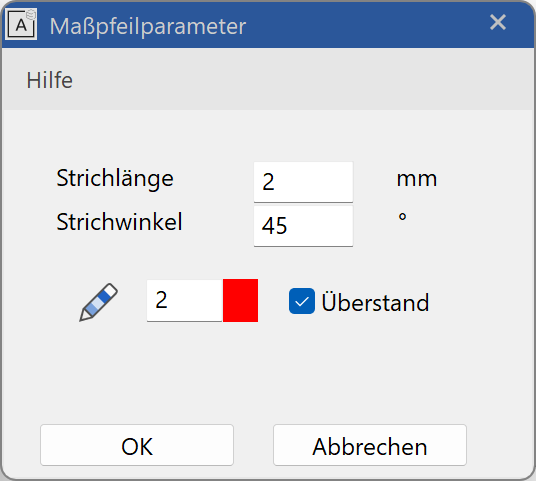
The settings for the dimension text (1), the tolerance text (2) and the dimension limitation element (3) (arrow parameter) are saved on the dimension parameter screen.
Text parameter
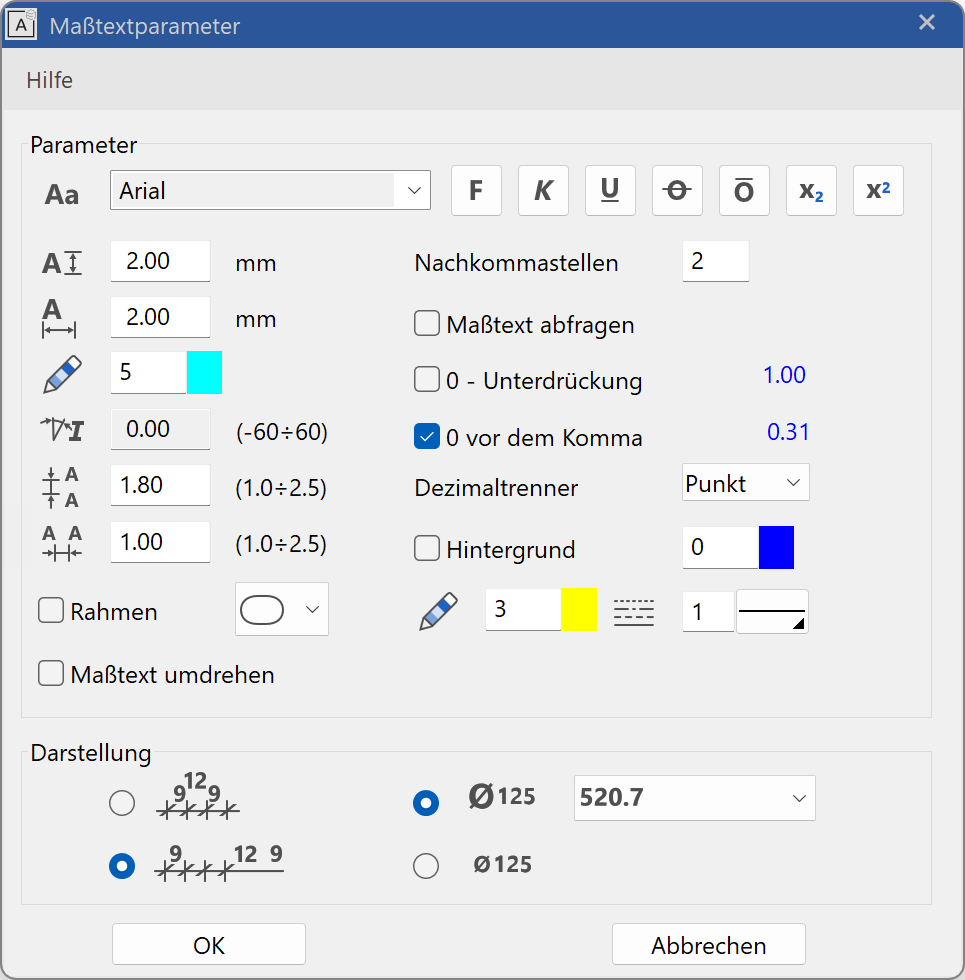
Extended settings for the dimension text are located in the menu DETAIL PARAMETERS > TEXT PARAMETERS.
Tolerance text parameters
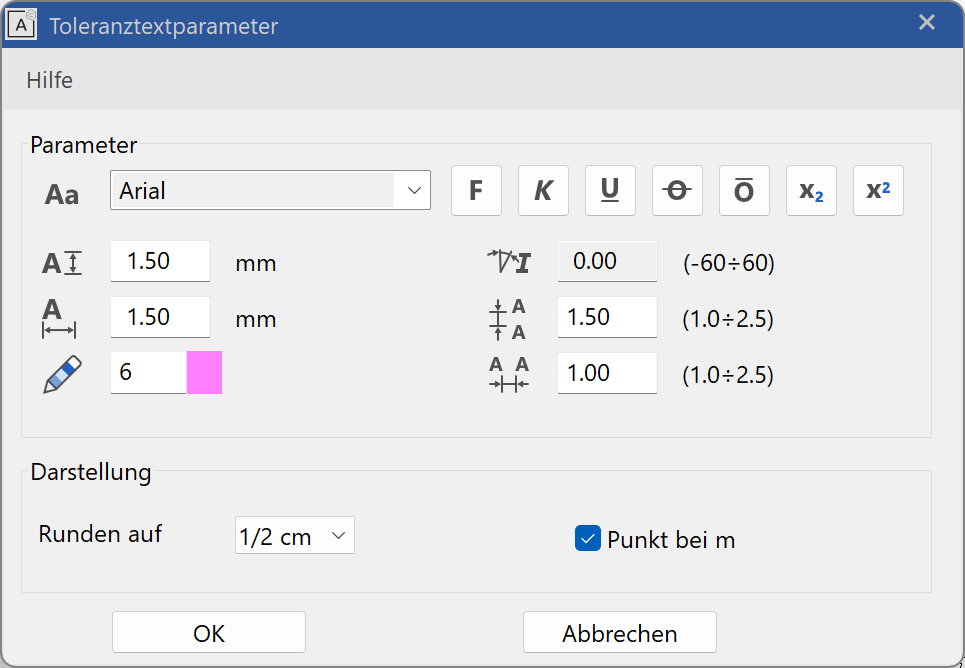
Extended settings for the tolerance text can be found in the menu DETAIL PARAMETERS > TOLERANCE TEXT PARAMETERS.
Arrow parameters (dimension limitation element)
Extended settings for the relevant type can be found in the menu DETAIL PARAMETERS > ARROW PARAMETERS.