Labels
Text parameters

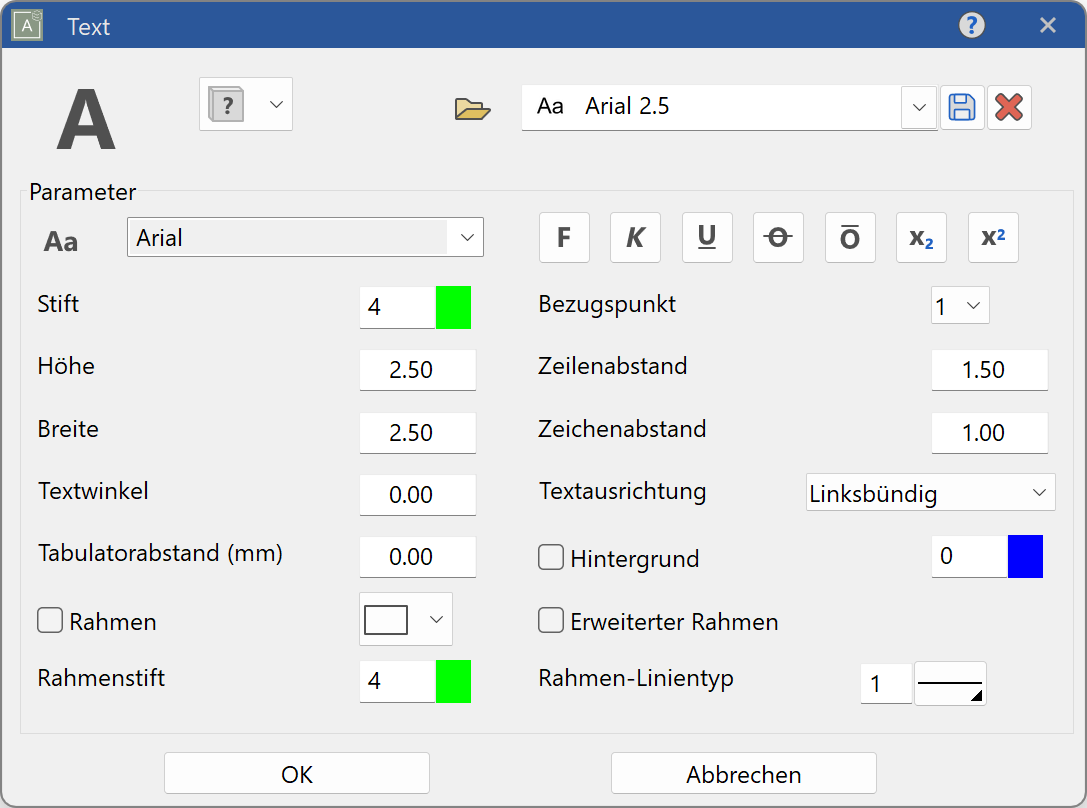
Reference point
The reference point specifies how the text is to be positioned regarding the reference point. This reference point is determined by selecting a number between 1 and 9. The position of the reference point is the same as the arrangement of the numbers of the number pad on the right-hand side of your keyboard, or the symbols in the property bar.

The reference point is automatically set correctly, when you define the text panel using a rectangle.

Line spacing (1.0-2.5)
The line spacing is defined by a factor with reference to the text height.

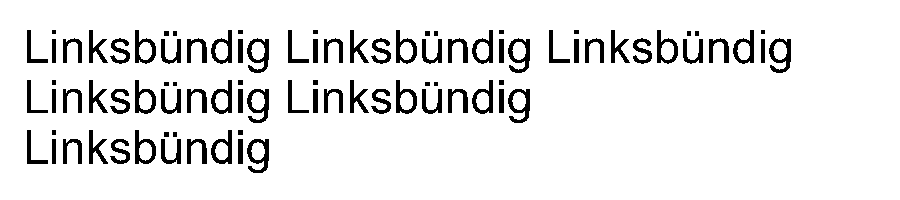
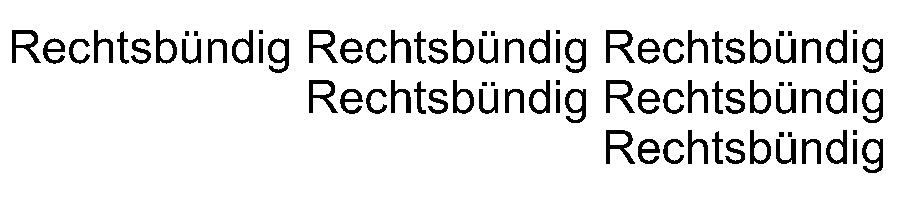
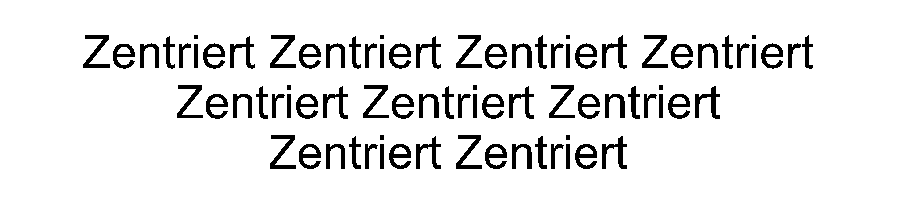
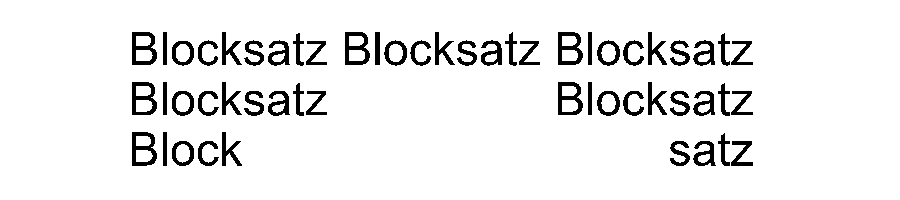
Text alignment
 |
 |
|---|---|
 |
 |
Changing text
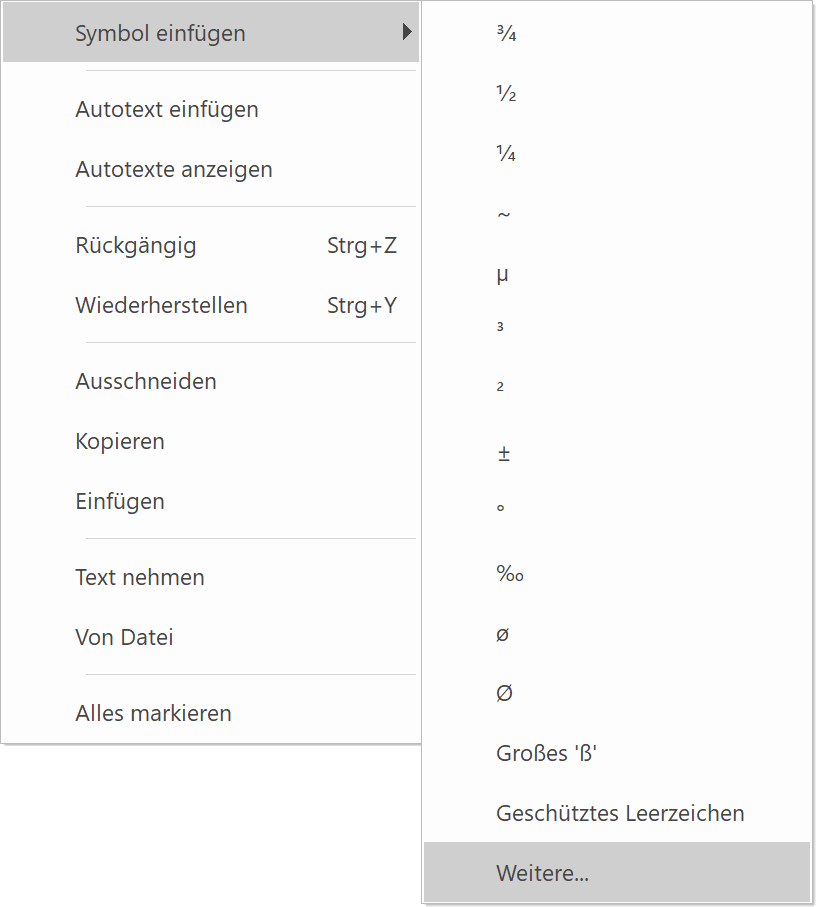
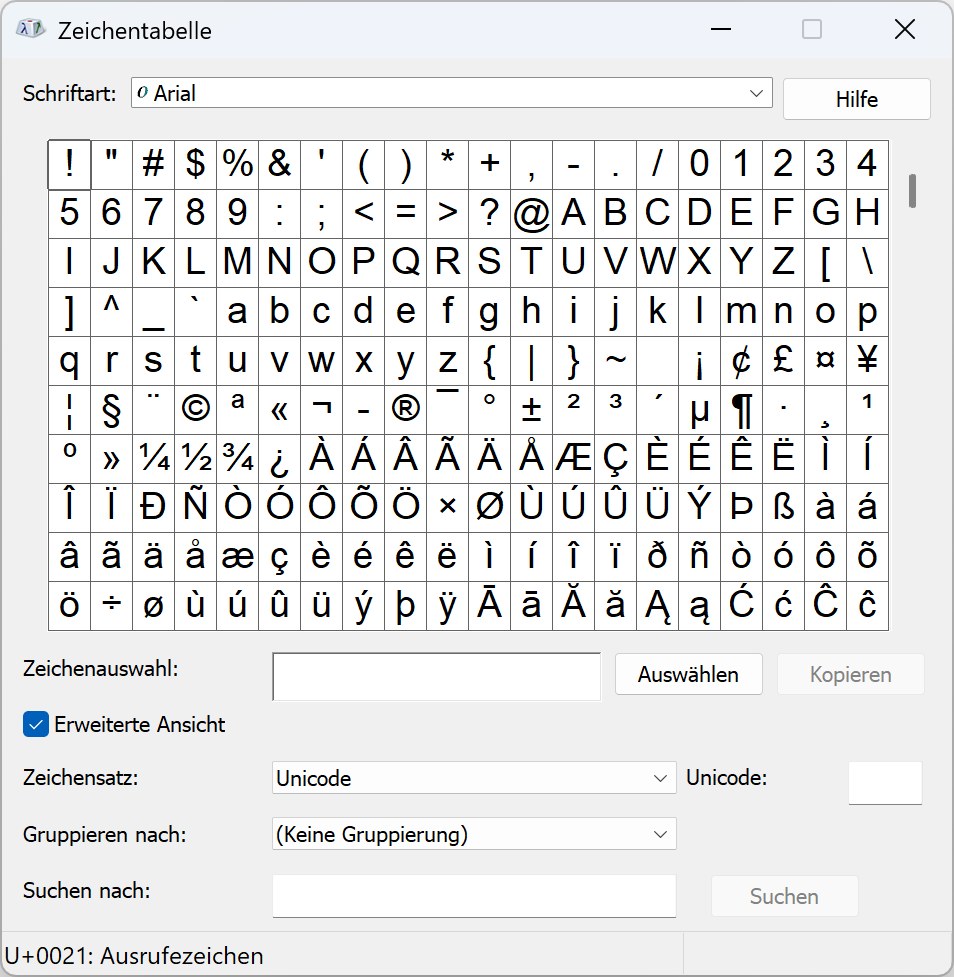
Double-click on the text to put it into edit mode. The text can be selected and modified, deleted or added to. Right-click in the text field to make the most common special characters appear or click the option Futher… to display the Windows character table.
Move / copy text
Click on a text to make the handles appear and the text can then be moved or copied to the correct position.
