Graphical depiction
Pen and colour options
Menu SETTINGS > OPTIONS > DEPICTION > RENOVATION PLANNING
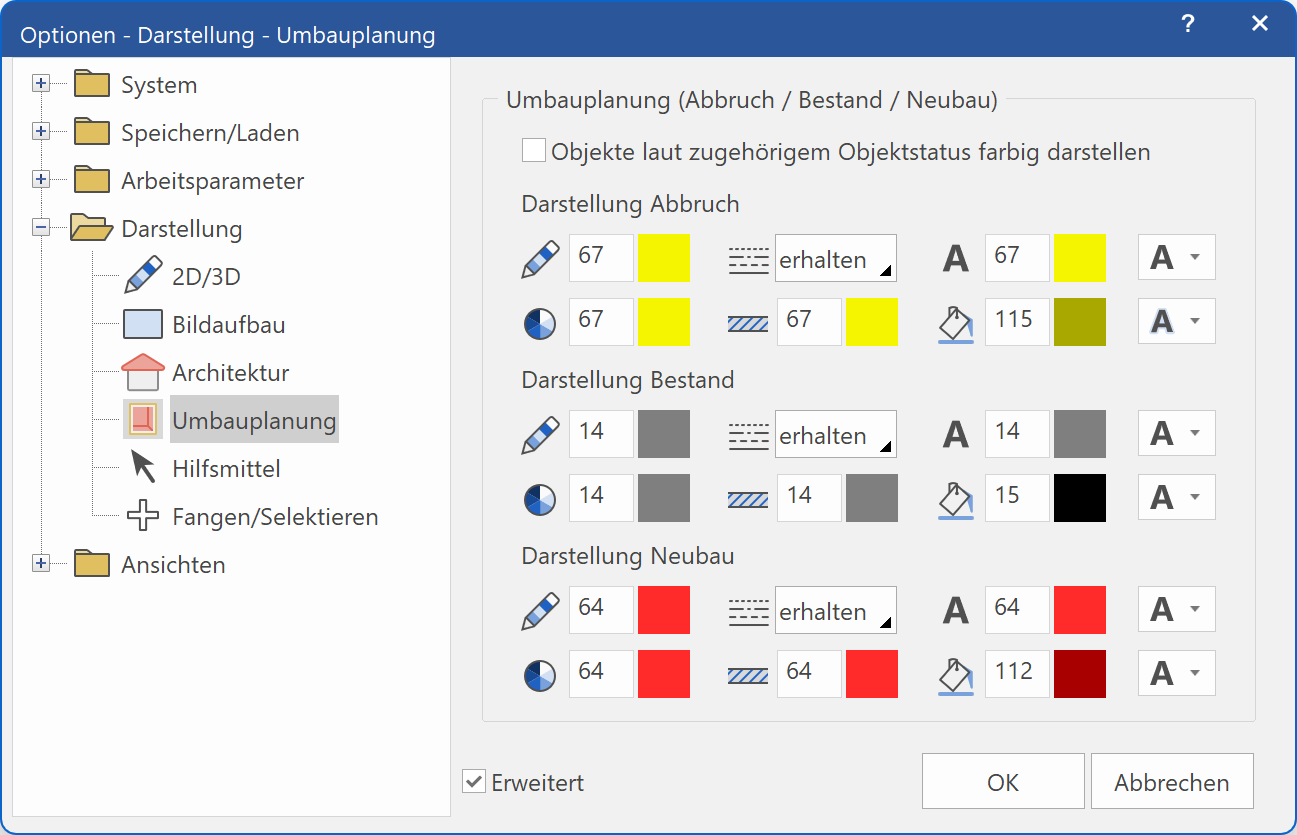
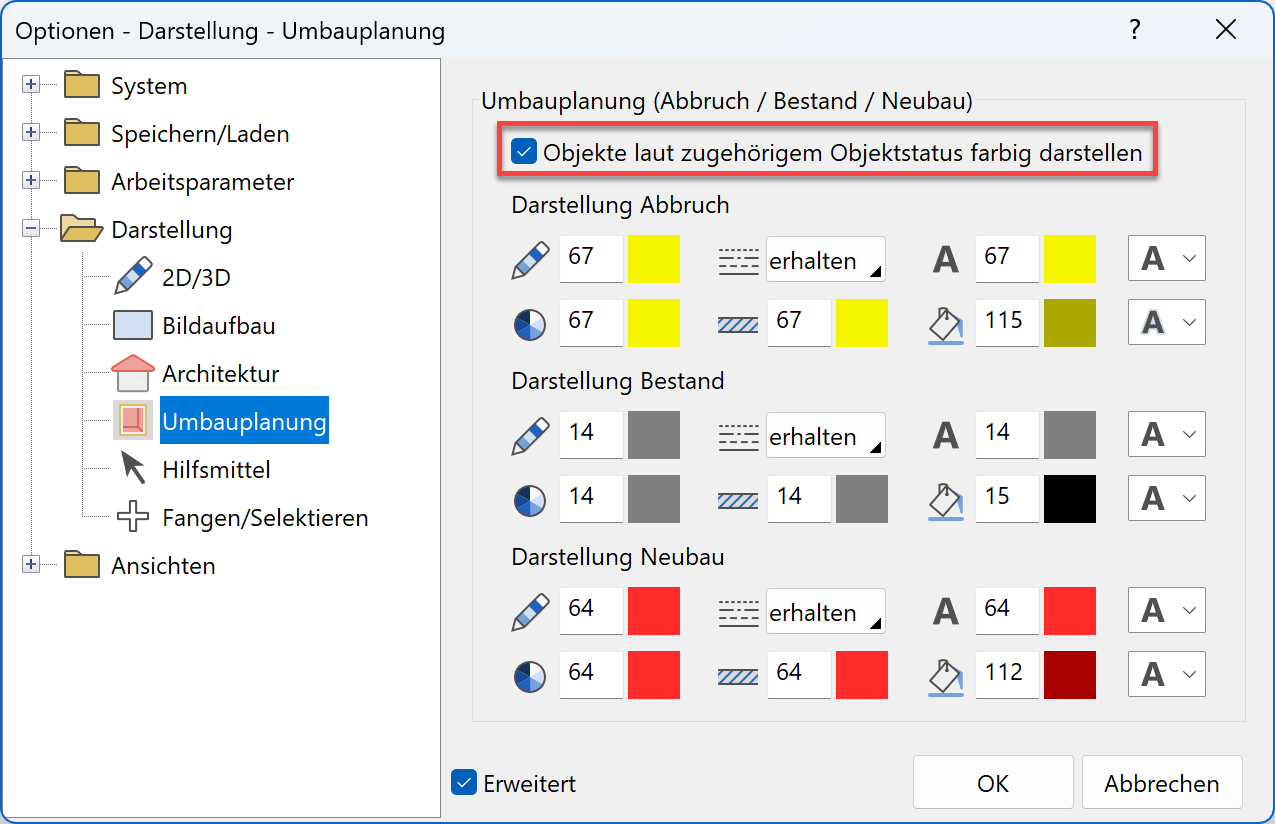
There are two possibilities for each of the three renovation planning states: either the depiction is done according to the material settings of the representation levels (like before), or the depiction can be formatted according to a parameter set that can be configured as desired.
In the options, the representation levels are separately configured for the states Demolition, Existing construction and New construction. The settings include 2D pen colours, line types, the colour of the line hatch, the colour of the infill hatch and the 3D colour.
Attention: The setting of the 2D pen colour only affects the colour, but not the line width or the print colour of the pen, as they are configured in the menu SETTINGS > COLOUR PROPERTIES!
Text options

The text can be depicted either underlined, crossed out, overlined or unchanged. In addition, you can use a boundary line, a background colour or inverted depiction for increasing the contrast.
Texture options
3D objects, which have a texture material assigned, will be overlapped with the set 3D colour. This allows for the state-defined colour while allowing for the texture to still be recognizable.
Views
The coloured depiction of the renovation planning information can be activated for each view and model view individually.
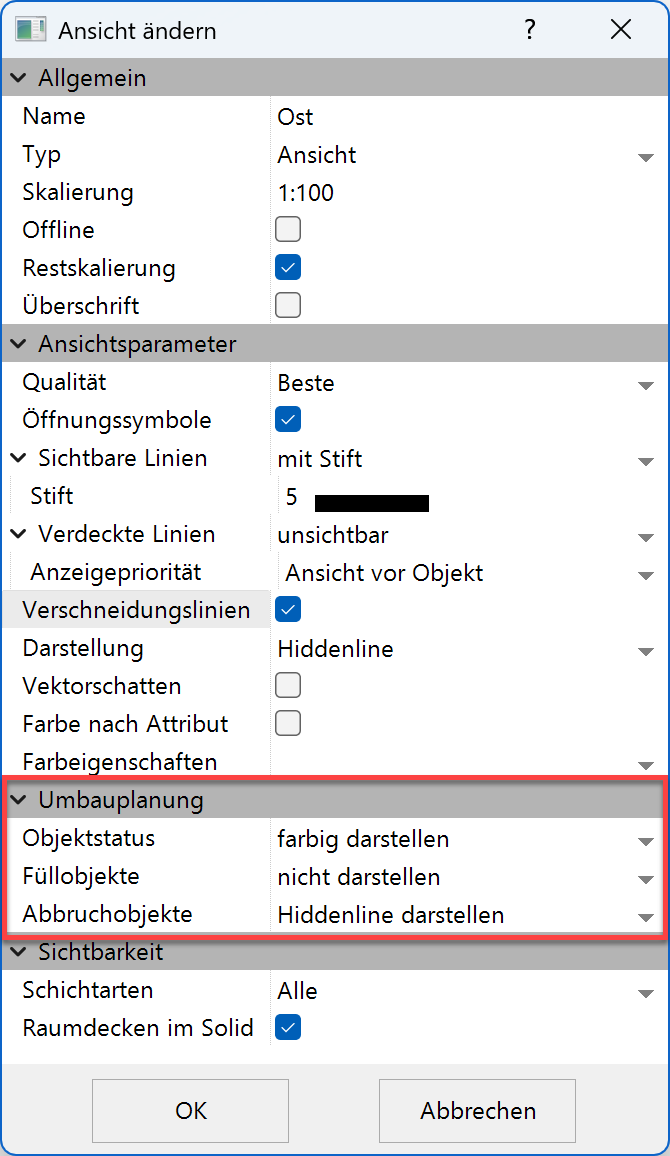
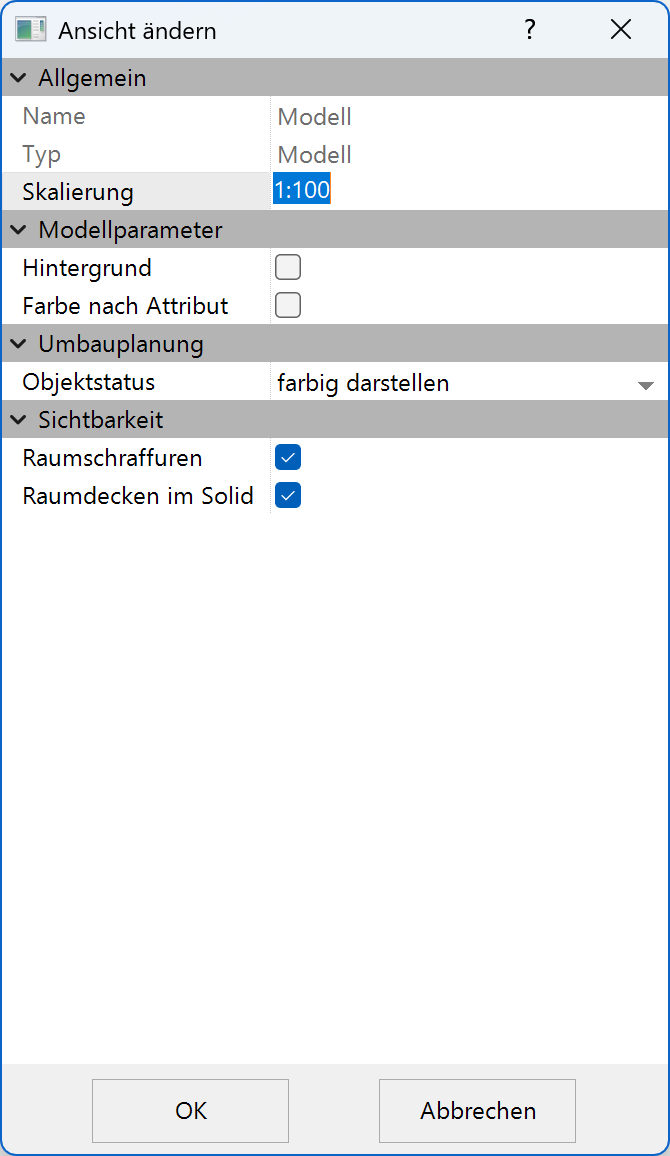
In every view, including the model, the coloured depiction of the renovation planning state can also be activated/deactivated using the shortcut Ctrl + J.
Additionally, the coloured depiction can be deactivated entirely in the options menu.
Depiction of renovation
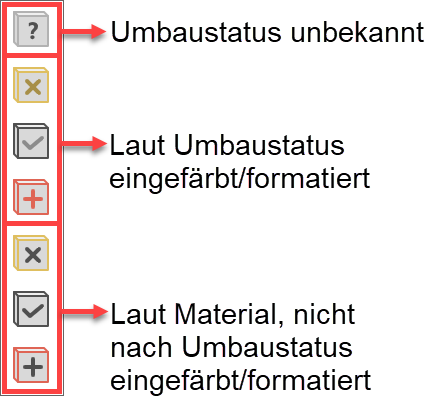
A renovation planning state can be assigned to every element, from construction element to section line. By default, those elements will be coloured corresponding to the settings, even if the elements are assigned a material. In this case, the material will be tinted. If an element is supposed to keep the state, but be depicted according to the actual material, it is also possible to select renovation planning state by material.