View with rendered image
Calculated 2D views of your model can also be defined with render images.
Workshop
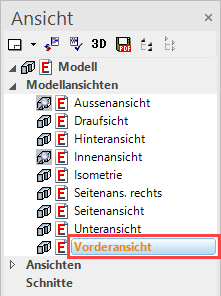
- In the views manager, select "Front view" from among the design model views.
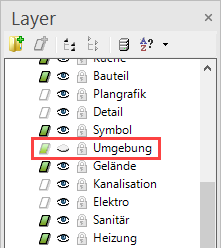
- In the Layer manager, switch the "Surroundings" layer to invisible.
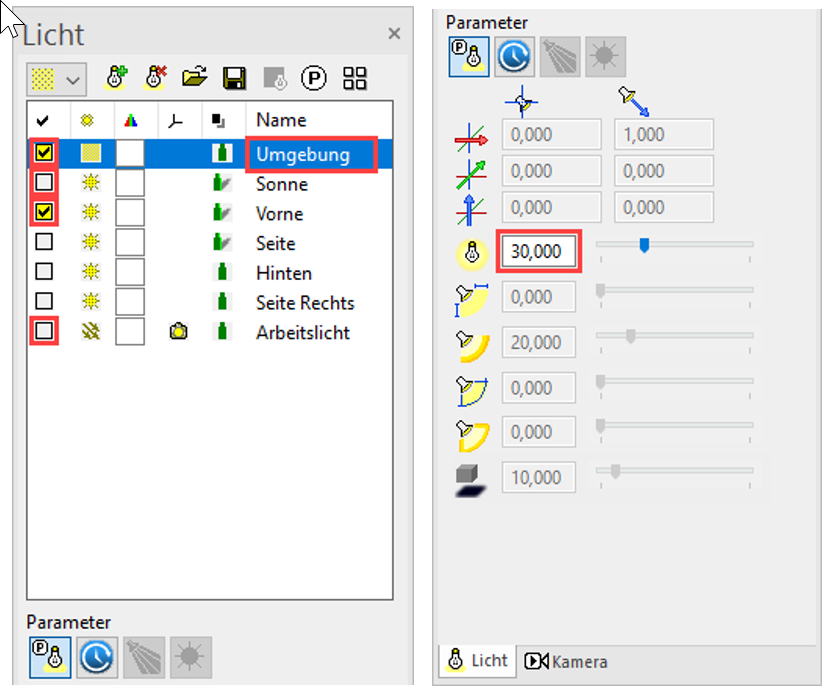
- Open the light parameters, deactivate "Camera light" and "Sun", activate "Front" and set the intensity of the ambient light to 30. Close the dialog with
 .
.

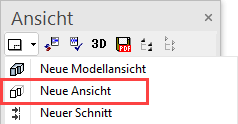
- Create a new view.
- Adjust the following settings.
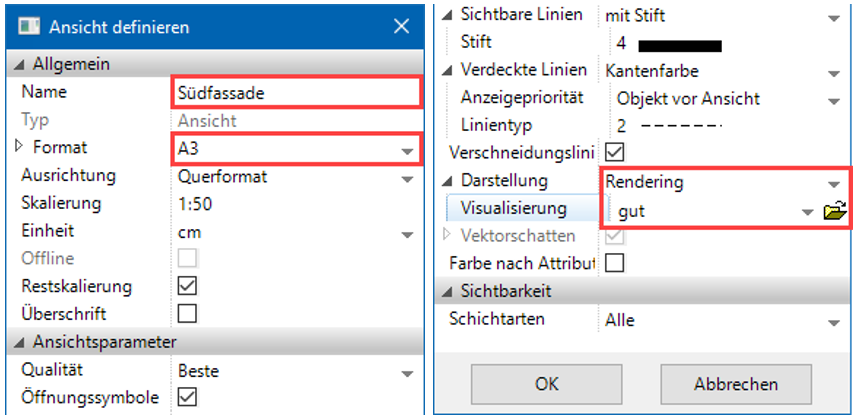
- Next, open the render parameters from the same view, adjust the following settings and close the dialog by clicking .

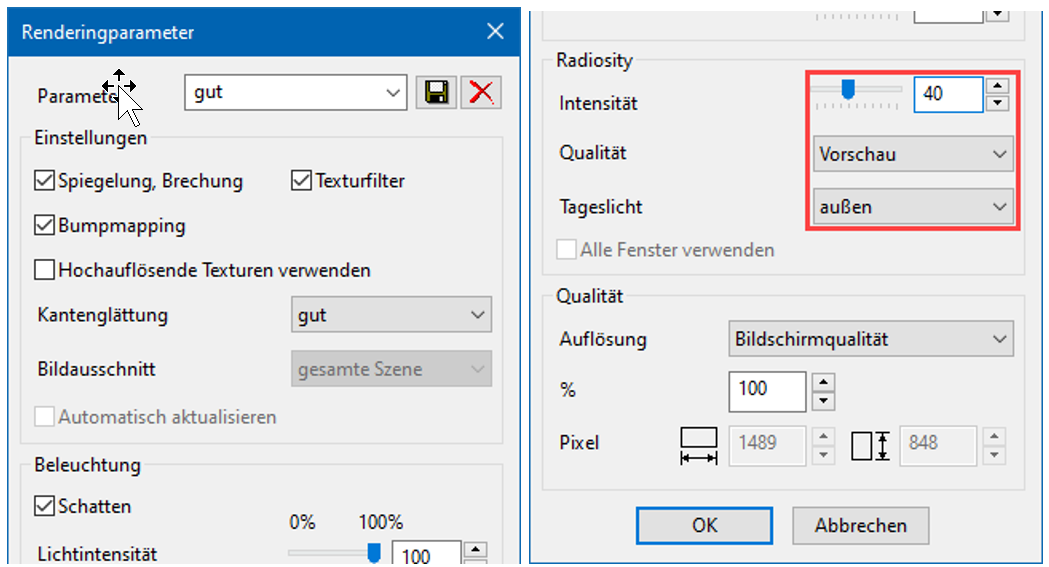
- Close the main dialog with . The view will be calculated.
- Load the "South facade" view onto the screen.
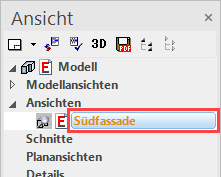
South facade

The view can continue to be enhanced with 2D library parts.
Explanation
Depiction
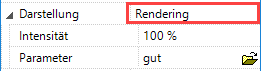
You can use this button to determine whether, for the view, a solid image or render image is defined or not, in addition to the lines.
Hidden line
Only lines are displayed.

Solid
The colour surfaces are added to the background of the line display.

Render
The render image is added to the background of the line display.
